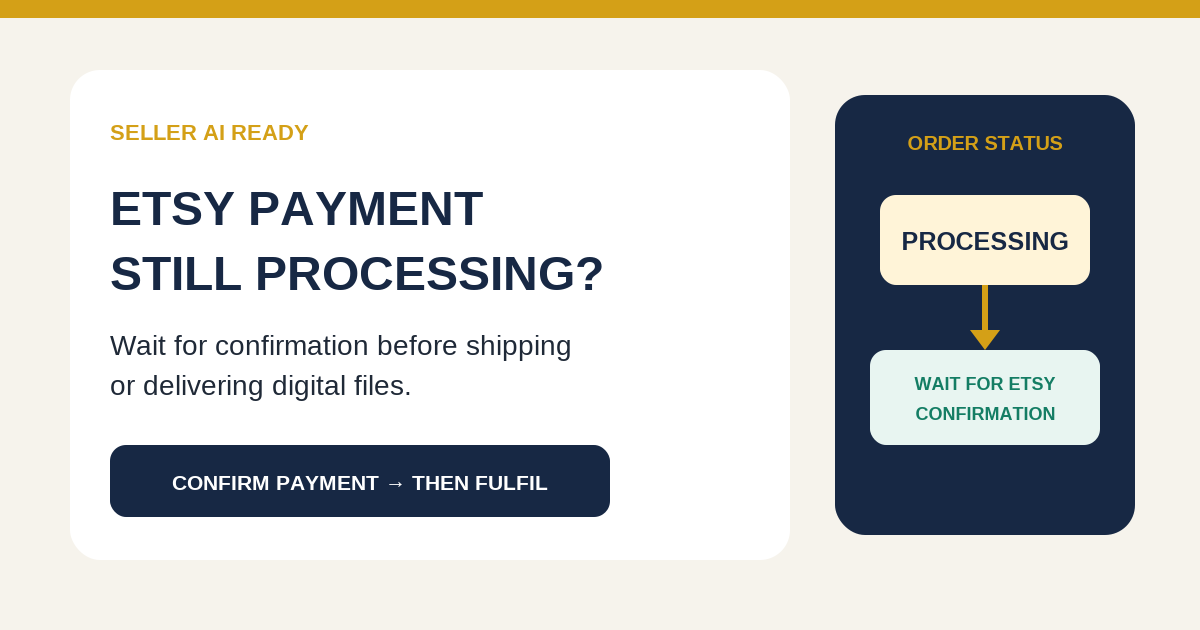
You hear the Etsy sale notification and open Shop Manager expecting a confirmed order. Instead, you see payment processing. That status can feel uncomfortable when the buyer is waiting or the dispatch deadline is close, but the safest response is not to rush.
A processing order is still being reviewed by Etsy. It is not the same as a completed sale, pending deposit, or Payment account reserve.
What “payment processing” actually means
Etsy screens Etsy Payments orders to help protect buyers and sellers from possible fraud. While the transaction is under review, the order may not appear in Completed, the funds may not appear in the Payment account, and both sides are waiting for Etsy’s final decision.
This does not automatically mean that the payment will fail. It means the result is not confirmed yet.
How long can an Etsy payment stay processing?
Etsy’s Help Center says most orders process within 72 hours, although some reviews may take longer. Treat 72 hours as a typical review window—not a deadline or guarantee.
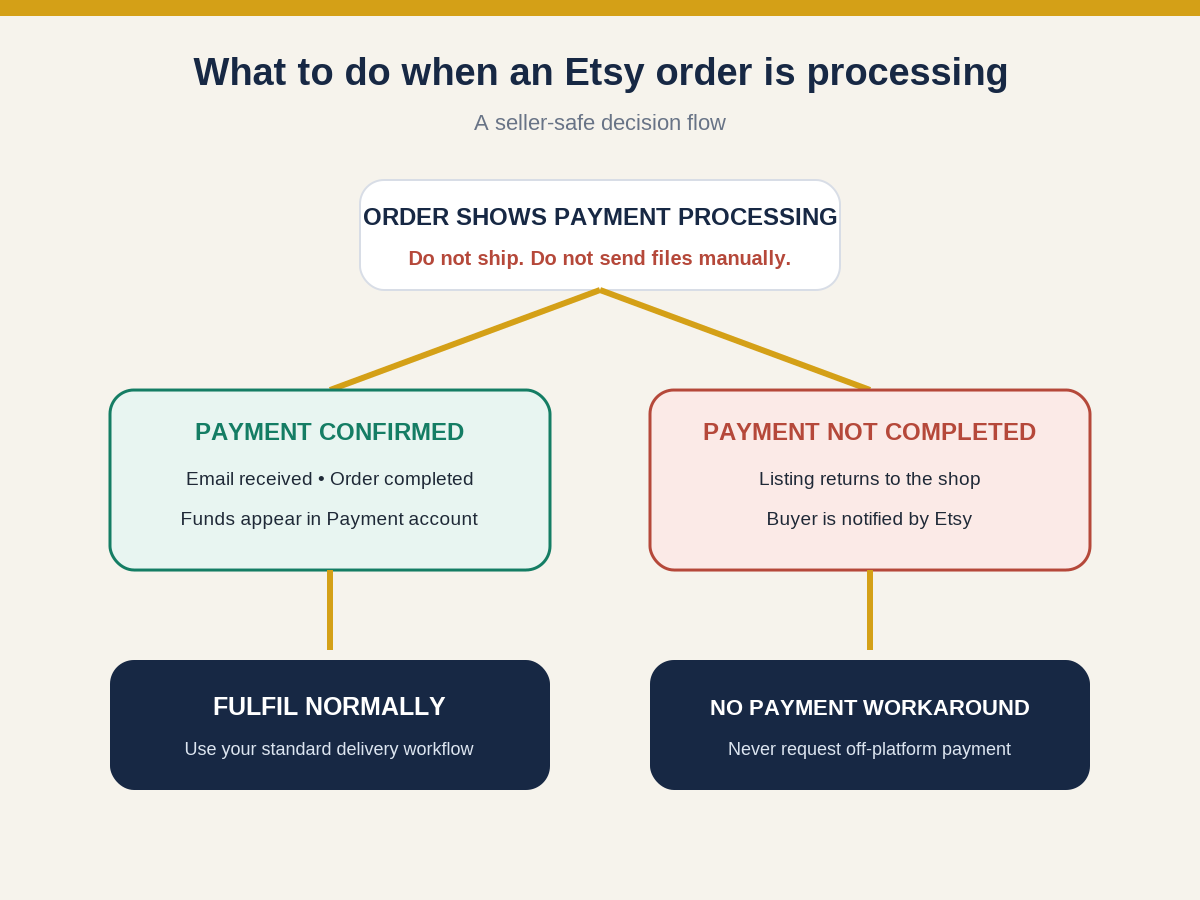
Fulfil only after Etsy sends a success email, the order moves to Completed, or the funds appear in the shop’s Payment account. If none has happened, keep fulfilment on hold.
Why shipping early is risky
A buyer may be genuine and the review may finish normally. Even so, shipping before confirmation creates a risk that the item leaves your hands before the payment succeeds. Etsy warns sellers not to ship a processing order.
The same principle applies to digital products:
- Do not email files manually.
- Do not send an external download link.
- Do not ask the buyer to pay elsewhere.
- Do not move the transaction outside Etsy.
Wait for platform confirmation, then use the normal Etsy delivery workflow.
What happens if the payment fails?
If Etsy cannot complete the transaction, the item returns to the shop and the buyer is notified. You do not need to create a replacement order or improvise a payment workaround. If the payment succeeds, Etsy confirms the order to both parties and fulfilment can proceed normally.
Can you cancel while the order is processing?
Etsy says cancellation becomes available after the order finishes processing. Until then, do not ask for card details, a bank transfer, gift cards, cryptocurrency, or external payment. If a message contains a payment link, open Etsy directly and verify the order inside Shop Manager.
Processing order, pending funds, and reserve
| Situation | Meaning | Seller action |
|---|---|---|
| Payment processing | Etsy is reviewing the transaction. | Wait; do not fulfil. |
| Funds pending | Sale succeeded; money is not deposit-ready. | Review the Payment account timeline. |
| Account reserve | A displayed percentage is held under reserve terms. | Check the Reserve section. |
| Deposit delay | Etsy sent a payout; the bank has not credited it. | Check the deposit date and bank timing. |
For a deeper breakdown, read our guides to the Etsy Payment account and Etsy fees and what you actually keep.
Seller checklist before fulfilment
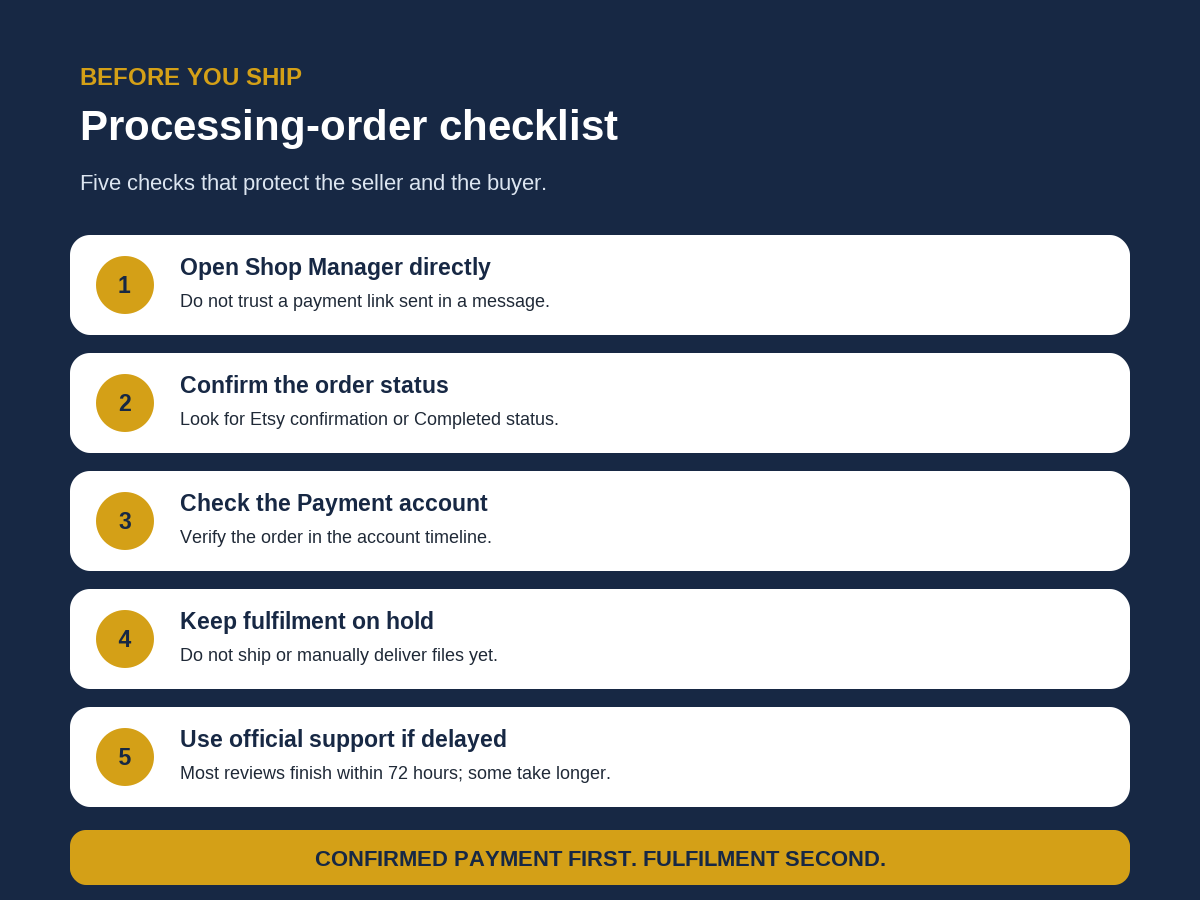
- Open Etsy or the Etsy Seller app directly.
- Verify the order inside Shop Manager.
- Wait for Etsy’s confirmation email, Completed status, or Payment account entry.
- Keep physical shipment and digital delivery on hold.
- Save the order number and any Etsy notice.
- If the review exceeds the usual window, use Etsy’s official Help Center.
- After confirmation, fulfil normally and add tracking when relevant.
Getting views but not sales after the order issue is resolved?
Use our listing views but no sales diagnostic first. If the listing itself needs stronger copy, the AI-Ready Etsy Listing Kit gives you a practical prompt-and-checklist workflow.
When should you contact Etsy Support?
Use Etsy’s official support path if the order remains processing beyond the usual review window, Shop Manager and email conflict, the order disappears without a clear outcome, you receive a suspicious payment request, or Etsy requests verification you cannot complete.
Keep the order number and screenshots available, but never share a password, one-time code, or complete payment-card details.
Bottom line
When an Etsy order is still processing, waiting protects the sale. Do not ship, deliver files, or create an off-platform workaround. Confirm the order inside Shop Manager, wait for Etsy’s decision, and fulfil only after payment succeeds.
Official Etsy references
- Why Is an Order or Payment in My Shop Still Processing?
- How to Manage Your Payment Account
- What Is a Payment Account Reserve?
This guide explains Etsy’s published workflow. It is not legal, tax, or financial advice and does not promise a processing or deposit time.